01 Before it arrives
Expecting a package?
Add the tracking number from your order. When a CLX agent receives your parcel, we’ll match it to your account.
Add a package
GLOBAL SHIPPING. LOCAL CONNECTIONS.
From anywhere.To right here.
Bringing your world a little closer.
WORLDWIDE SHIPPING TO THE BAHAMAS ONE CONNECTED JOURNEY
From our agents around the world
to your door in The Bahamas.
One connected cargo journey.
From our global agent network to delivery in The Bahamas.
A connected service, with your package at the center.
Register what’s coming in the CLX app. When your package arrives, its tracking number connects it to you.
Your tracking number.
Your connection.
Supplier invoices.
All together.
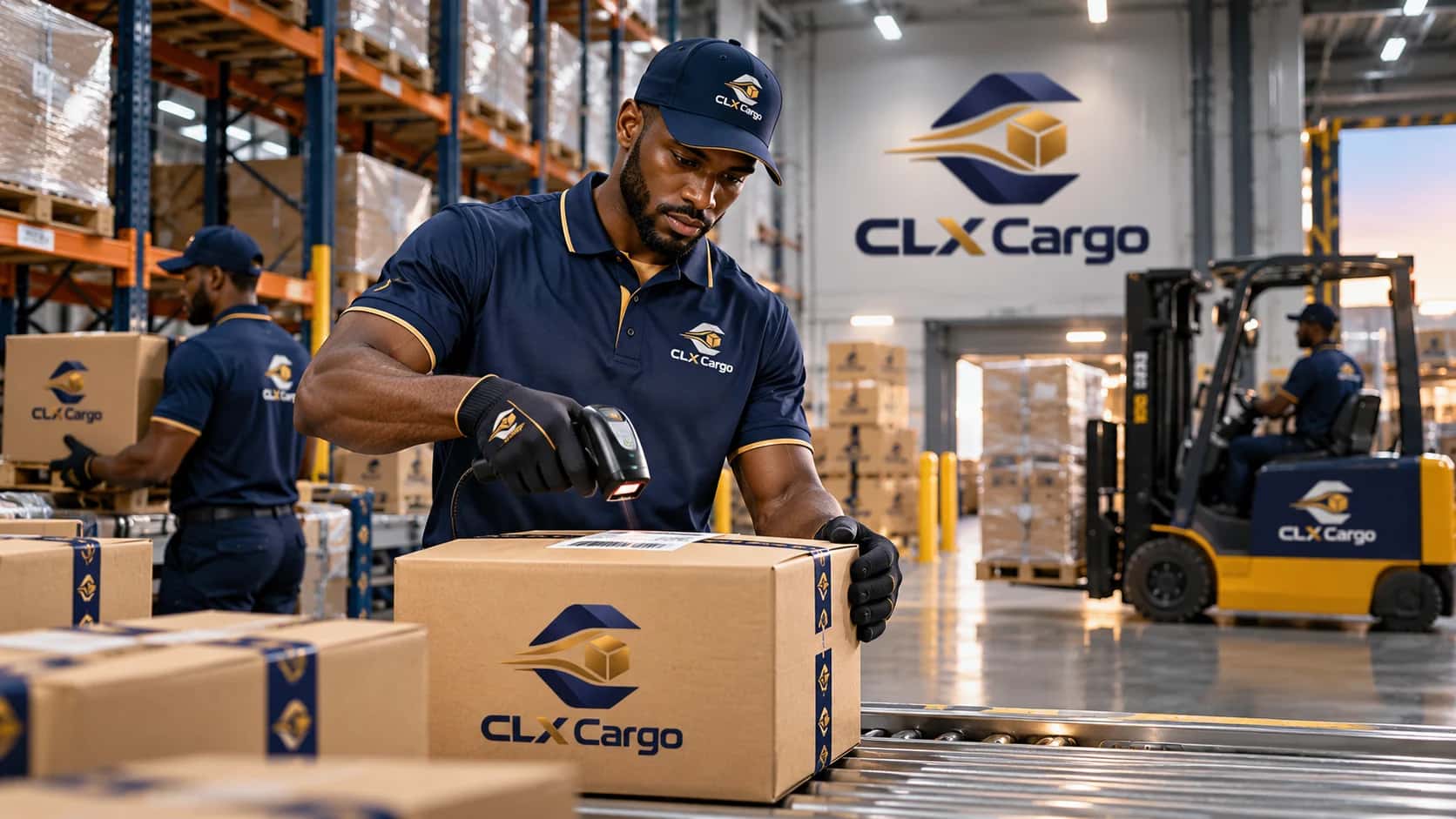
Your shipment, connected at every step.
Add the tracking number from your order. When a CLX agent receives your parcel, we’ll match it to your account.
Add a packageSee when your package is checked in and when it moves on. Each update stays with your shipment in the app.
See the shipment stagesFollow your package from the Bahamas warehouse to your driver, then check when it’s delivered.
Follow the delivery journeyA package changes hands along the way.
Here’s how it moves through the CLX network.
Your seller sends the parcel to a CLX agent or warehouse in its country of origin. A scan connects the package to your account.
The parcel joins a containerized shipment. A truck brings the container to the port, where it is lifted onto the vessel.
The same container, now on board.
Your shipment makes its way across the water.
Illustrated sea-freight journey. Routing and handling may vary by origin.
After unloading, your parcel is checked into the Bahamas warehouse and prepared for local delivery.
A CLX driver takes your package from the local warehouse to your delivery address.
Enter the carrier tracking number from your order. Your expected package is connected to your CLX account before it arrives.
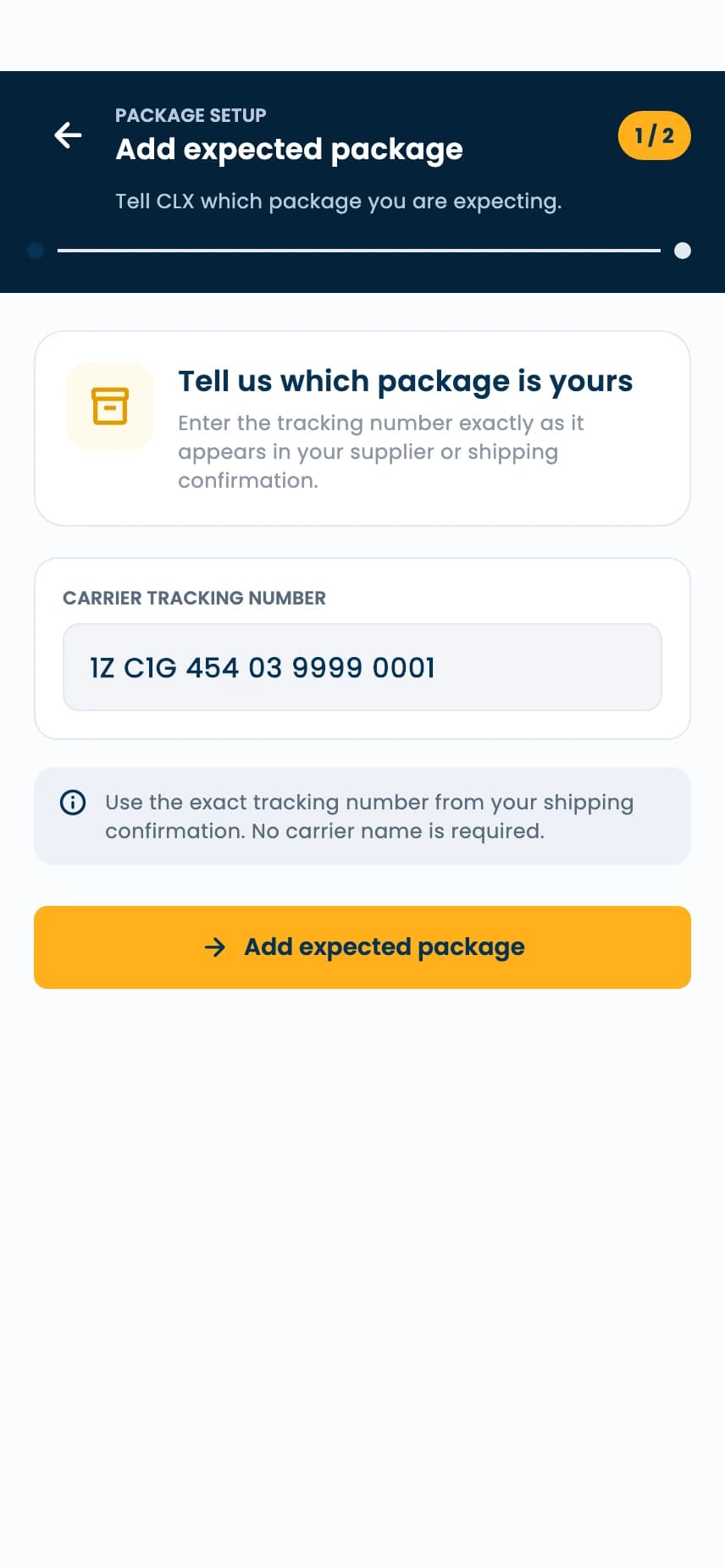
From a tracking number to a delivery update. Here’s how it works in the CLX Cargo app.
Enter the carrier tracking number from your order. Your expected package is connected to your CLX account before it arrives.
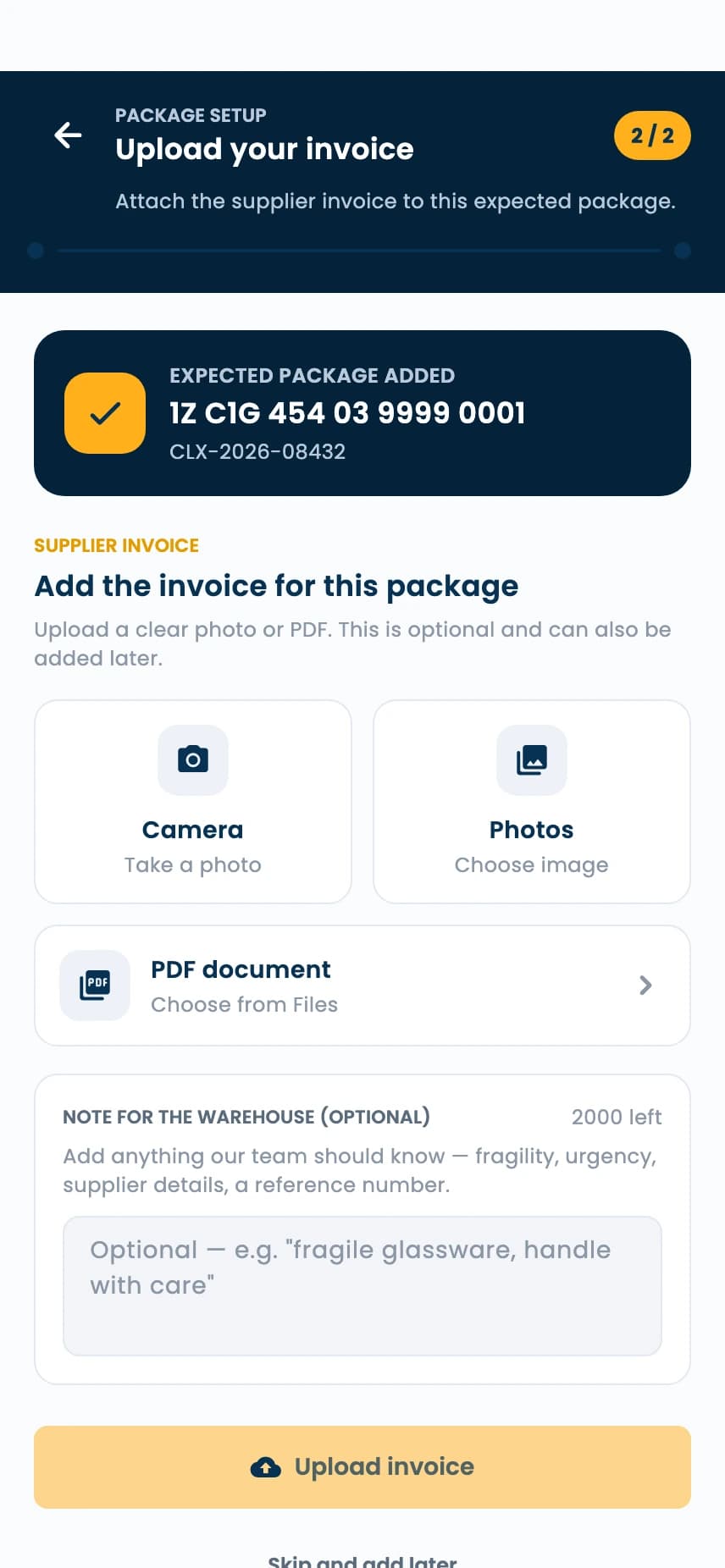
A supplier invoice is optional. Add one as a photo or PDF, or skip this step and attach it later in the app.
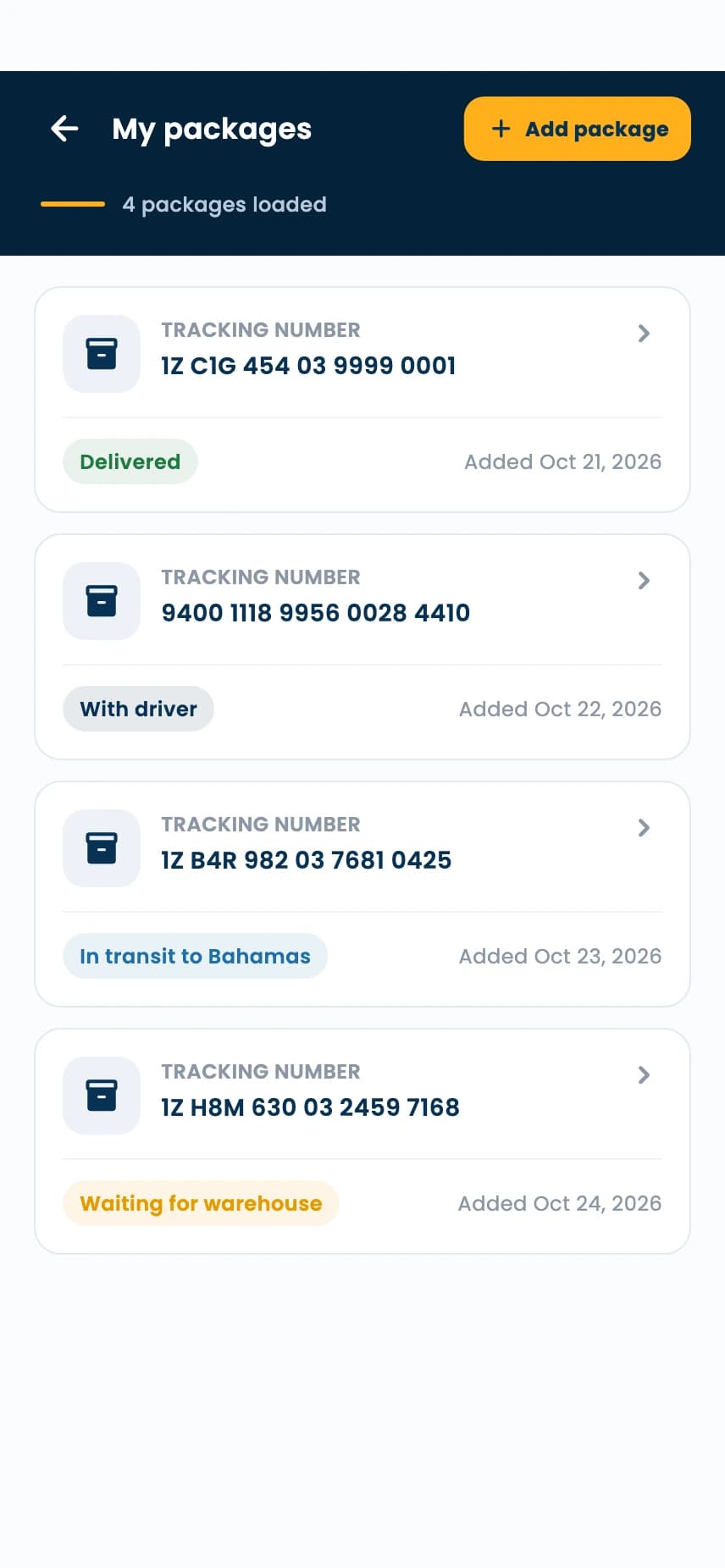
See your packages in one list, with their tracking references and latest statuses. Select a shipment to take a closer look.
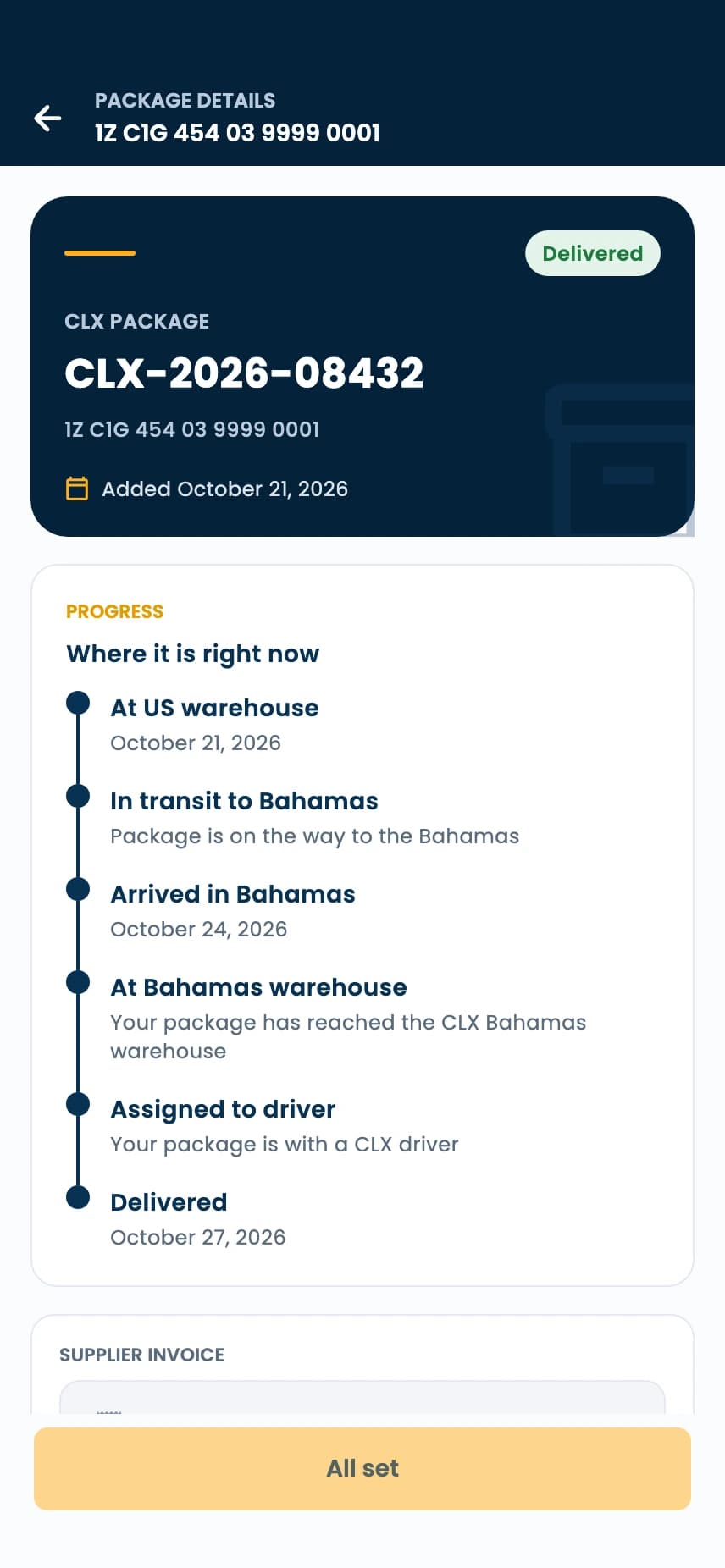
Open the package details and follow the recorded milestones, from warehouse receipt through delivery to your door.
Open the CLX Cargo app, choose My packages, and tap Add package. Enter the exact carrier tracking number from your supplier or shipping confirmation. No carrier name is required.
No. You can upload a supplier invoice when registering the package, or add it later in the CLX Cargo app.
Open My packages in the CLX Cargo app and select a shipment. Its details show the progress from warehouse handling through delivery.
After arrival, your shipment moves through the local warehouse and is assigned to a CLX driver for delivery. You can follow these status updates in the app.
Your next shipment starts
with the CLX Cargo app.